
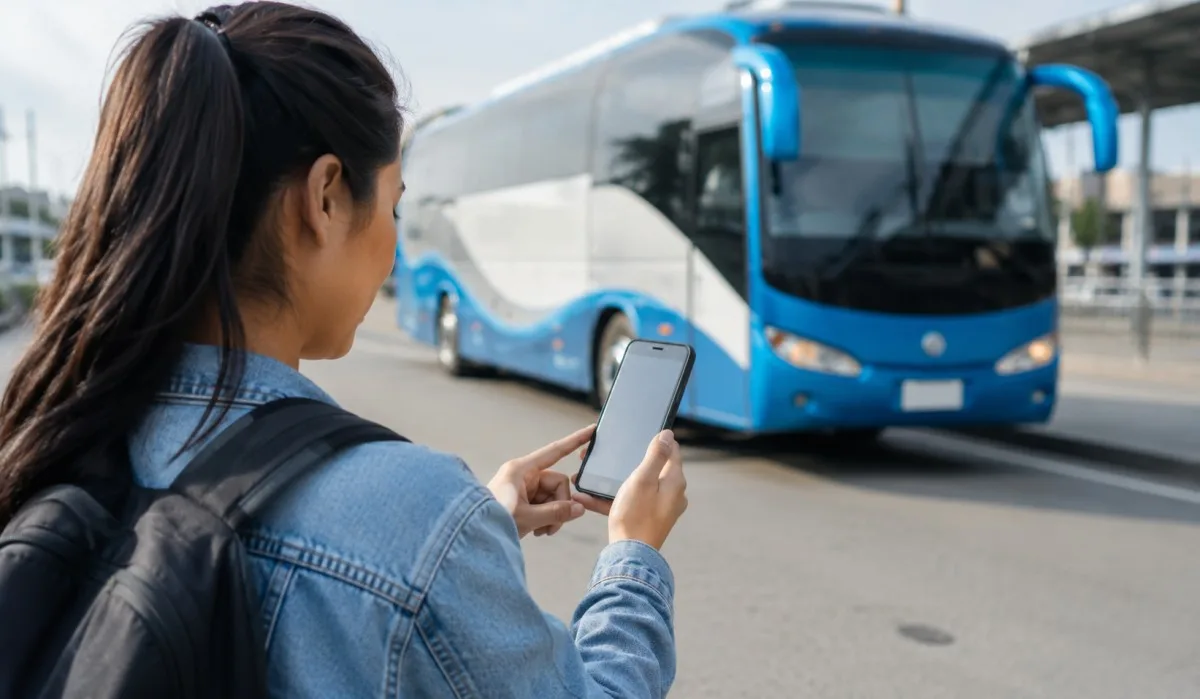
Everyone wants to save money on bus tickets. But many people do not know which app gives the lowest price. Some apps show private buses only. Some apps help with government bus ticket booking. Some apps add extra fees. I have used many bus booking apps over the last two years.
I have found which ones actually give cheap tickets and which ones just look good. In this article, I will tell you the best bus booking apps for cheap tickets. I will also show you the cheapest bus booking app for different routes. And I will explain how to book government bus tickets without losing your mind.
Why You Need a Good Bus Booking App?
A bus ticket bought from the counter often costs more. Why? Because the bus operator saves the last few seats for walk-in customers and charges them full price. But when you book using an app, you see many bus options at once. You compare prices. You see discounts. You even get cashback sometimes.
But not all apps are same. Some show you only private buses. Some show you government buses too. Some take a big fee on top of ticket price. Some give you zero fee. So you must pick the right app.
I will share my list of apps that give cheap tickets again and again. I have used each one for at least three trips.
Read More: Best Budget Bus Routes Europe 2026: FlixBus and National Express
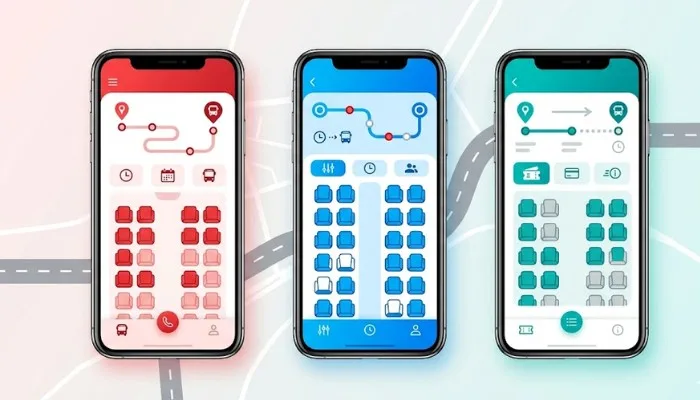
The Cheapest Bus Booking App I Found
After testing many apps, I found that no single app is always cheapest. The price changes based on route, day, time, and bus type. But some apps give lower prices more often than others.
Here are my top picks in plain simple words.
1. AbhiBus
This app works very well for south India routes. But I have also used it for north India trips. The best part of AbhiBus is that it shows government bus tickets clearly. Many apps hide government buses or show them at the bottom. AbhiBus puts them right on top.
I once booked a ticket from Hyderabad to Vijayawada on a government bus. The counter price was 380 rupees. On AbhiBus, I got the same seat for 310 rupees. That is a good saving.
The app also gives coupon codes often. You can get 50 to 100 rupees off on most bookings. The user interface is simple. You do not get lost looking for things.
Good for: Government bus ticket booking and regular discount codes.
2. RedBus
RedBus is the most famous name in bus booking. But famous does not always mean cheapest. Still, RedBus has one big advantage. It shows almost every bus operator on one screen. Private buses, government buses, luxury buses, ordinary buses. All in one place.
RedBus runs a loyalty program called RedRewards. Every time you book, you get points. Those points become money off on your next booking. It is not a big saving. But if you travel twice a month, the points add up.
I found RedBus very useful for last minute bookings. Their customer support is also quick. If your bus gets cancelled, they refund your money in two three days.
Good for: Wide choice of buses and last minute bookings.
3. MakeMyTrip
Many people think MakeMyTrip is only for flights and hotels. That is wrong. Their bus section is very good. And here is the hidden benefit. MakeMyTrip often gives extra cashback when you book a bus along with a hotel. Or when you use their wallet.
I used MakeMyTrip for a trip from Delhi to Jaipur. The ticket price on other apps was 500 rupees. On MakeMyTrip, I got the same ticket for 430 rupees because I had a coupon from their email newsletter.
The app is heavy. It takes space on your phone. But it works smoothly. You can also book a return ticket at the same time and save more.
Good for: Combined cashback offers and coupon hunting.
4. Paytm
Paytm is not just a payment app. It has a bus booking section that many people forget about. That is a mistake. Paytm gives some of the lowest prices because they want you to use their payment system.
Every time you book a bus ticket using Paytm, you get cashback in your Paytm wallet. That cashback can be used for mobile recharge, bill payment, or your next bus ticket. I once got 120 rupees cashback on a 600 rupee ticket.
The only problem is that Paytm does not show government buses on all routes. For some routes, you will see only private buses. So if you want a government bus ticket booking, check AbhiBus first.
Good for: Cashback offers and people who already use Paytm for other things.
5. ixigo
Ixigo started as a train app. Now it does buses too. The bus section is clean and fast. They have a price alert feature. You tell the app your route and date. The app watches the price and sends you a message when it drops.
I used this feature for a trip from Mumbai to Pune. The price was 350 rupees on Monday. On Wednesday, I got a message that price dropped to 290 rupees. I booked right away.
Ixigo also does not add a big convenience fee. Some apps add 30 to 50 rupees as fee. Ixigo keeps it low or zero on many routes.
Good for: Price alerts and low convenience fee.
How to Find Government Bus Ticket Booking on These Apps?
Government bus tickets are often cheaper than private bus tickets. But many people do not book them because they think it is hard. Let me make it easy for you.
Open any of the apps I listed above. Type your starting point and destination. Pick your date. When the results come, look for a filter that says "Government Buses" or "State Transport" or "RTC". Turn that filter on.
The app now will display only government buses. The numbers of these buses are TNSTC, APSRTC, MSRTC, KSRTC,UPSRTC etc. The ticket cost will be less than private buses on the same route. This bus will be a bit longer, since government buses stop at more places.
However, if you wish to buy inexpensive, this is the method. When travelling for less than five hours I always travel by government bus. If I travel for a long distance, then I go in a private bus as the seat is better.
Tips to Always Get the Cheapest Bus Ticket
You do not need to be a genius to save money on bus tickets. Just follow these simple rules.
- Book on Tuesday or Wednesday. Most apps release new discount codes on these two days. Booking on Monday or Friday gives you fewer offers.
- Book at least five days before travel. Ticket prices go up as the bus fills up. Five days early gives you the lowest price almost always.
- Check three apps before buying. Do not open just one app. Check AbhiBus, RedBus, and Paytm for the same route and date. Pick the lowest. This takes five minutes but saves 50 to 150 rupees.
- Use a credit card that gives cashback on travel. Some bank cards give five percent cashback on bus bookings. Over a year, this becomes a good amount of money.
- Travel on Tuesday Wednesday Thursday. Weekend tickets cost more. Friday night and Sunday night tickets cost the most. If your trip is flexible, pick a middle of the week day.
What Not to Do When Booking Bus Tickets?
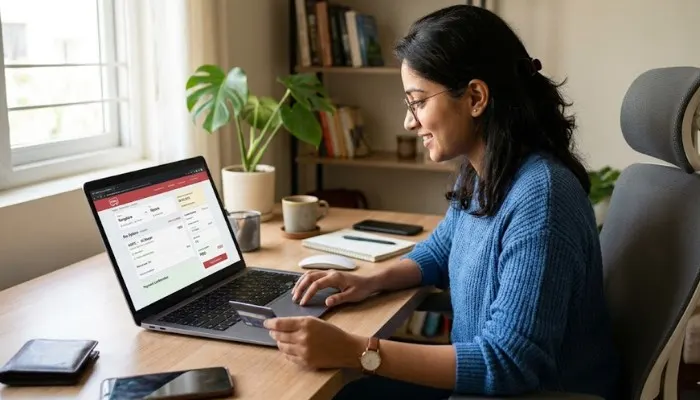
- Do not book at midnight. Many apps update their prices at 12 AM. You may see a high price because the system is refreshing. Wait until morning.
- Do not use a debit card for every booking. Some apps charge a payment gateway fee for debit cards. Credit cards and wallets often have zero fee.
- Do not ignore the cancellation policy. A very cheap ticket may become expensive if you cannot cancel it. Always read the two lines about cancellation before you pay.
- Do not trust screenshots on social media. Someone says they got a ticket for 1 rupee. That is mostly a trick. Real cheap tickets start from 50 to 100 rupees on government buses. Below that is very rare.
How I Saved 2000 Rupees in One Month Using These Apps?
I'll give you a true story. Last month I had to travel for work. I left Bangalore for Chennai. Then, Chennai to Pondicherry. Then back to Pondicherry to Bangalore. This is three times. I would have paid the price of about 4500 rupees per person if I have booked from the counter.
On booking without comparing, I would have paid crores of 3800 rupees. But I did my own way of doing it. For each trip, I tested three apps. I made an appointment Tuesday. I paid with a credit card that rewards me with cashback. For two trips I took government buses and for one trip a private bus. The total cost of my shopping was Rs. 2800. I saved Rs. 2000 in a month.
You can do the same. It does not take much time. It just takes a little care.
You May Also Read: Best Apps for Bus Tracking in US Cities: Free and Easy to Use
Government Bus Ticket Booking Without an App
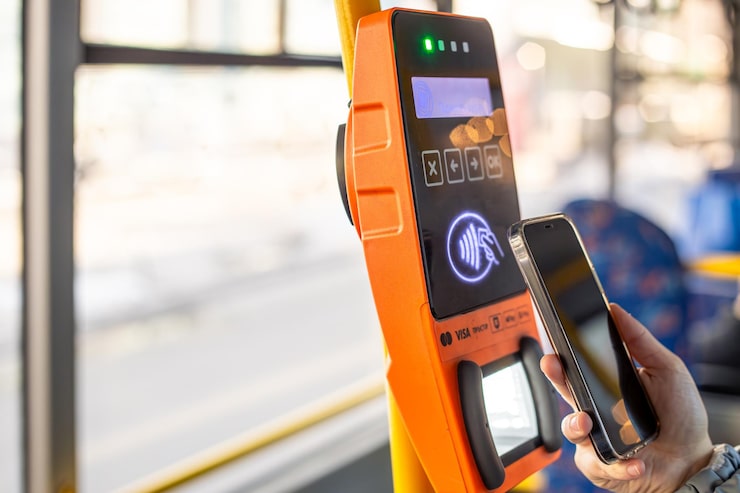
Some people do not like using apps. They want to book directly from the government website. You can do that too.
Open your web browser. Type the name of your state transport corporation. For example, if you are in Karnataka, type KSRTC official website. If you are in Maharashtra, type MSRTC. If you are in Tamil Nadu, type TNSTC.
Most of these websites now have a online booking section. You can pick your seat, pay using card or UPI, and get a ticket on your phone. The price is same as the app. Sometimes it is even lower by 5 to 10 rupees because there is no app fee.
But the websites are not very smooth. They may stop working at busy times. The payment may fail. So I prefer using an app like AbhiBus for government bus ticket booking. The price is almost same and the experience is better.
Final Words
You do not need to download ten apps. Pick two or three from my list. Use them for two three trips. See which one works best for your routes. Stick with that.
The cheapest bus booking app for me is AbhiBus for government buses and Paytm for private buses with cashback. But for you, it may be different. That is okay.
The main thing is to compare, book early, and use coupon codes. Do these three things every time. You will never pay full price for a bus ticket again. Now open your phone check your next trip. See how much you can save today.
